The Intel Core series is the flagship line of consumer processors (CPUs) from Intel. Since its introduction in 2006, it has become the industry standard for personal computing.
To understand the series, it helps to break it down into its Naming Hierarchy, Generational structure, and the recent rebranding.
1. The Naming Hierarchy (The “i” system)
For over a decade, Intel used a clear “i-tier” system. While this is currently being phased out (see below), most computers currently in use follow this structure:
- Core i3 (Entry-level): Good for basic office work, web browsing, and media consumption. Typically features fewer cores.
- Core i5 (Mid-range): The “sweet spot” for most users. Handles gaming, office multitasking, and light video editing very well.
- Core i7 (High-end): Designed for power users, enthusiasts, and heavy multitasking (e.g., 3D rendering, professional video editing, and high-frame-rate gaming).
- Core i9 (Ultra-high-end): The peak of consumer performance. Used by professional creators and hardcore gamers who need maximum clock speeds and core counts.
2. Understanding the Generation
Intel releases a new “Generation” almost every year. The generation is indicated by the numbers following the hyphen in the model name.
- Example: In Intel Core i7-14700K, the “14” indicates it is a 14th Generation processor.
- As a rule of thumb: A higher generation is almost always more efficient and faster than the previous generation, even if the “i-number” is the same.
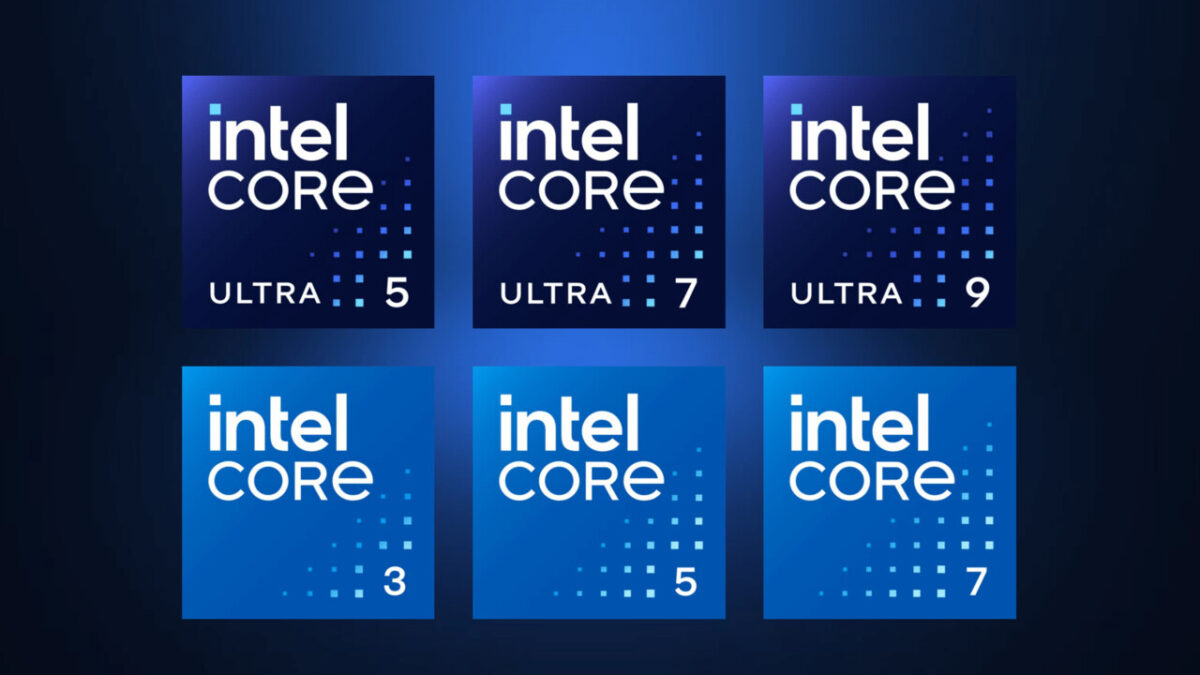
3. The Rebranding (Core vs. Core Ultra)
Starting with the 14th Gen and moving into the “Meteor Lake” and newer architectures, Intel has significantly changed its naming scheme:
- Intel Core: Reserved for the mainstream, entry-level chips (e.g., Intel Core 3, 5, 7).
- Intel Core Ultra: Reserved for the most advanced, AI-capable chips with built-in NPUs (Neural Processing Units). These represent Intel’s focus on “AI PCs.”
4. Suffixes (What the letters mean)
At the end of the processor name, you will often see letters that indicate specific capabilities:
- K: Unlocked for overclocking (performance enthusiasts).
- F: Requires a dedicated graphics card (no built-in graphics).
- U: Ultra-low power (found in thin-and-light laptops, focused on battery life).
- H: High performance (typically found in gaming laptops).
- HX: Extreme performance (the most powerful mobile processors, usually for desktop-replacement laptops).
5. Why the Core series is important
- Architecture: Intel uses a “Hybrid Architecture” (since 12th Gen). This involves P-cores (Performance) for heavy tasks like gaming, and E-cores (Efficiency) for background tasks and multitasking.
- Ecosystem: Because Intel has such a large market share, software and hardware manufacturers optimize their products specifically for the Core architecture.
- Compatibility: Intel Core processors are widely supported by almost all motherboard manufacturers (ASUS, MSI, Gigabyte, etc.), making it easy to build or repair PCs.
Summary: Which one do you need?
- Basic Web/Office: Intel Core i3 or Intel Core 3.
- Mainstream Gaming/Work: Intel Core i5 or Intel Core 5.
- Serious Gaming/Content Creation: Intel Core i7 or Intel Core 7.
- Professional Workstation/Top-Tier Gaming: Intel Core i9 or Intel Core 9/Ultra 9.
Are you looking to buy a new computer, or are you trying to troubleshoot an existing Intel processor? I can provide more specific advice if I know your use case!