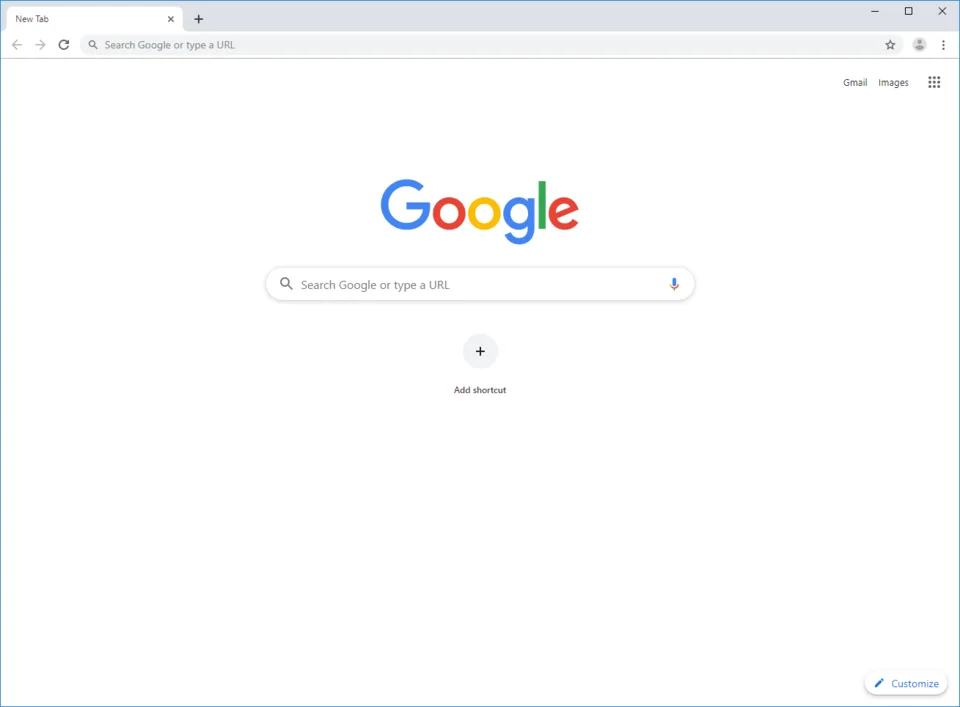
Google Chrome is currently the world’s most popular web browser. Developed by Google, it was first released in 2008 and has since become the dominant gateway to the internet for billions of users.
Here is a breakdown of what you need to know about Google Chrome:
1. The Core Technology
- Chromium: Chrome is built on an open-source project called Chromium. Because of this, many other popular browsers—including Microsoft Edge, Brave, Vivaldi, and Opera—are also built on the same underlying engine (Blink).
- Cross-Platform: It is available on virtually every operating system, including Windows, macOS, Linux, Android, and iOS.
2. Key Features
- Speed and Performance: When it launched, Chrome was revolutionary for its speed. It uses the V8 JavaScript engine, which is highly optimized for fast web application performance.
- Google Integration: Chrome is deeply integrated with Google services (Gmail, Drive, Docs, etc.). When you sign in with a Google account, your bookmarks, history, passwords, and open tabs sync across all your devices.
- Extensions: The Chrome Web Store offers a massive library of extensions that allow users to customize their browsing experience, add productivity tools, or block ads.
- Minimalist Design: Chrome is known for its clean, clutter-free interface that prioritizes the content of the webpage over the browser frame.
3. Pros and Cons
The Pros
- Ease of Use: It is intuitive, fast, and familiar to most users.
- Developer Tools: It includes a world-class suite of developer tools that make it the primary choice for web developers.
- Security: Google updates Chrome frequently with security patches and uses “Safe Browsing” technology to warn users about malicious sites and phishing attempts.
The Cons
- High Memory Usage: Chrome is famous for being a “RAM hog.” It treats every tab and extension as a separate process, which provides stability but uses significant computer memory.
- Privacy Concerns: Because Google is primarily an advertising company, there are long-standing concerns regarding how much user data Chrome collects and how it tracks browsing habits for ad-targeting purposes (e.g., the transition from “Cookies” to “Privacy Sandbox”).
4. Chrome vs. Competitors
- Privacy-focused browsers (Brave, DuckDuckGo, Firefox): Users concerned about tracking often prefer these, as they offer more aggressive default privacy settings than Chrome.
- Microsoft Edge: Since Edge switched to the Chromium engine, it has become a major rival, often performing similarly to Chrome while offering unique features like “Copilot” AI integration.
- Safari: Apple users often prefer Safari because it is more battery-efficient on macOS and iOS devices compared to Chrome.
5. Why is it so dominant?
Chrome’s dominance isn’t just because it’s a good product; it is also because Google promotes it aggressively. For years, Google Search and YouTube have displayed prompts to “Download Chrome,” and Google’s massive market share ensures that web developers prioritize optimizing their sites for Chrome first.
Is it right for you?
- Use it if: You rely heavily on Google apps, you want a seamless experience across mobile and desktop, and you need a browser that works with every website on the internet.
- Avoid it if: You are strictly concerned about privacy, or if you are using an older computer with limited RAM, as other browsers (like Firefox or Edge) may feel snappier.
Do you have a specific question about using Chrome, its settings, or how it compares to another browser?